
Archive or remove a user
When someone leaves the team, archive them. Archiving revokes their access right away and frees up their seat, while keeping their rules and history on file for your records.
InboxOji doesn't hard-delete people. When a teammate moves on, you archive them rather than erase them. Their inbox connection ends and their seat opens up for someone new, but the rules they built and the activity they ran stay in your account so you keep a clean record.
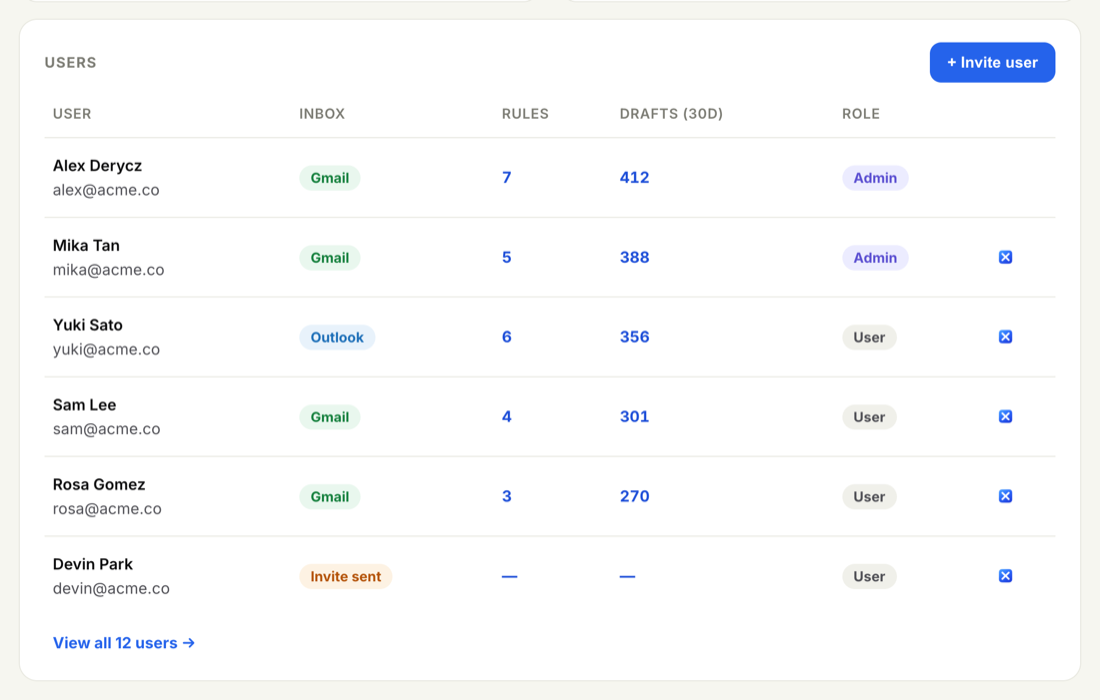
You do this from the Users page, on the person's own row.
-
Open Users
Go to Users and find the person in the Active users table. Use Search if the list is long.
-
Open their record
Click Edit on their row. This is the same panel you use to fix a name or change a role.
-
Archive the user
Choose Archive user. Their access and inbox connection end immediately, and their seat is freed for someone new.
- Access ends. They can no longer sign in or open the portal.
- The inbox disconnects. InboxOji stops drafting in their Gmail, and the connection to their mailbox is dropped.
- Their seat frees up. Your Seats meter on Users drops by one, so you can invite a replacement without requesting more seats.
- Their rules and history stay. The private rules they built and their drafted-reply history move to the Archived section for your records — they aren't deleted.
Archiving isn't permanent erasure. If a teammate returns, contact support@inboxoji.com to restore their record, and re-invite them so they reconnect their own inbox.
These are different actions. Archiving removes one person while the rest of the team keeps running. Closing the whole company account winds the team's account down and stops all drafting. If that's what you mean to do, see Export company data or close the account.
Just changing someone's role or fixing a typo in their details? You don't need to archive — see Edit a user's name, email or role.